Step-by-step guides for every part of DociToci, each with a short video. Start with your free trial, or pick what you need.
Getting started
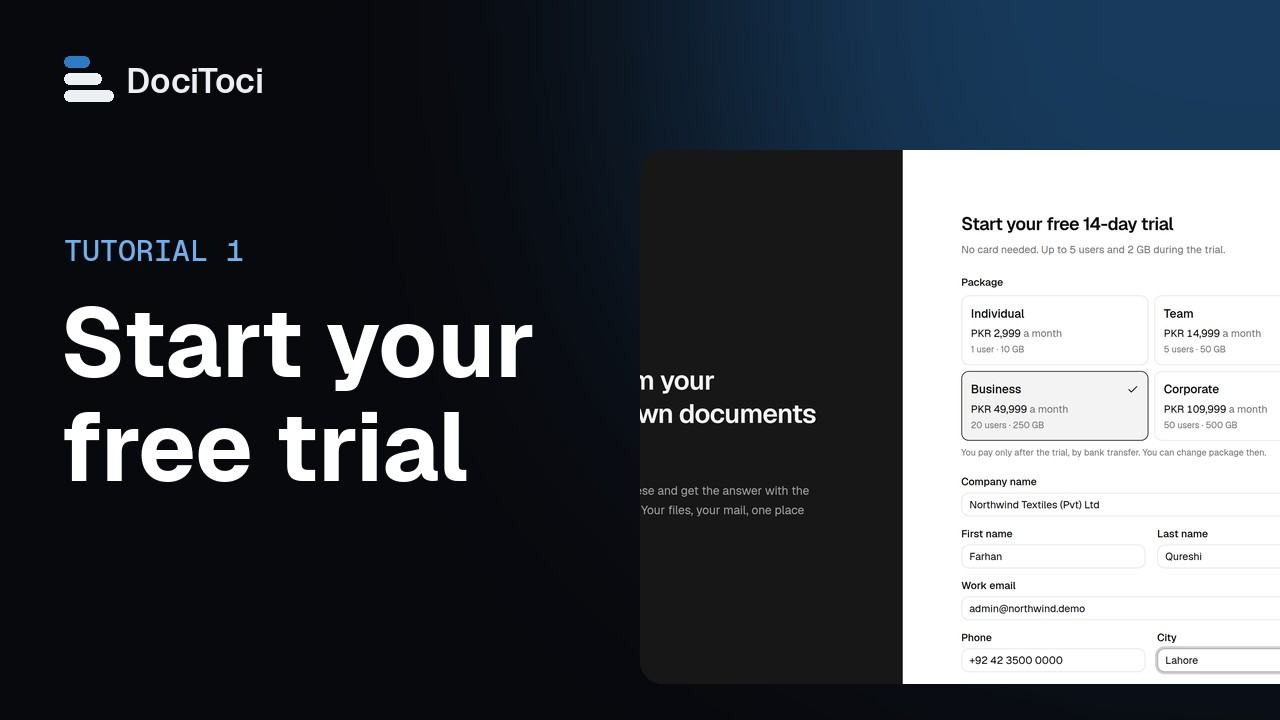 01Start your free trialSign your company up for DociToci and use it free for 14 days, with no card needed. You pay by bank transfer only when you decide to keep it.Every package · video 1:15
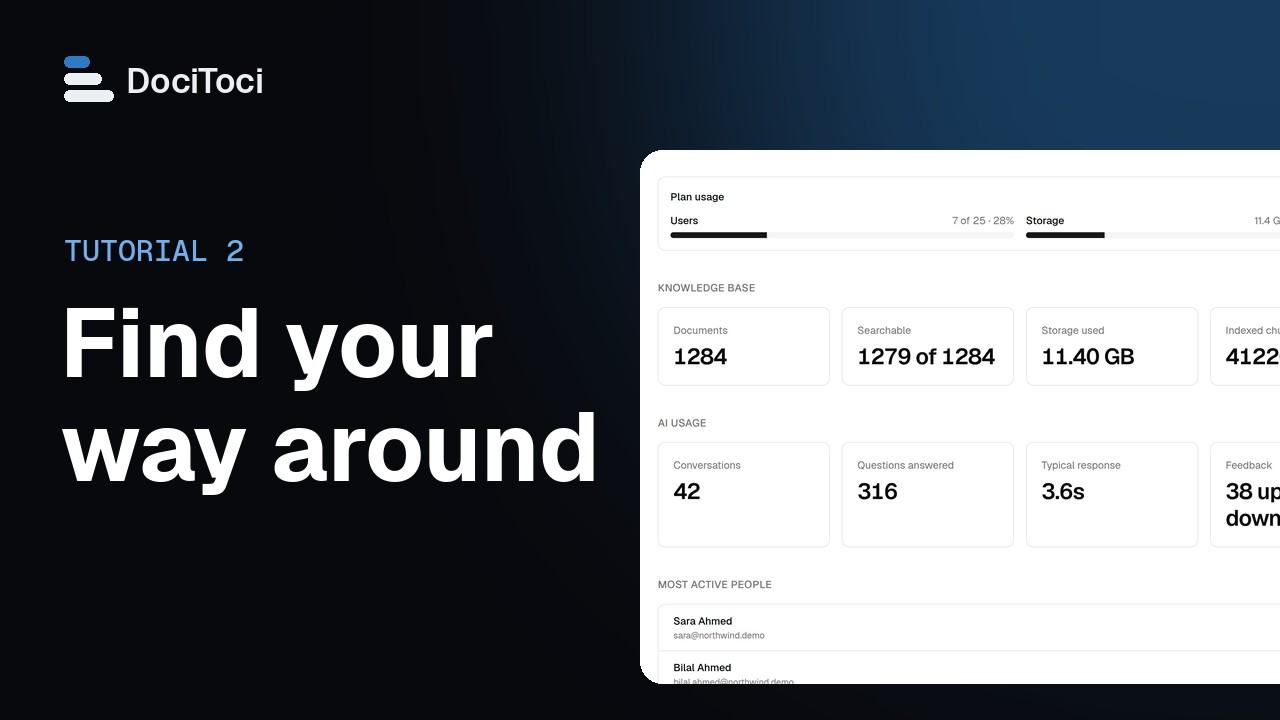 02Find your way aroundLearn where things are in DociToci: the menu on the left, the Dashboard, and the controls at the top of every page for language, colours and your password.Every package · video 1:14
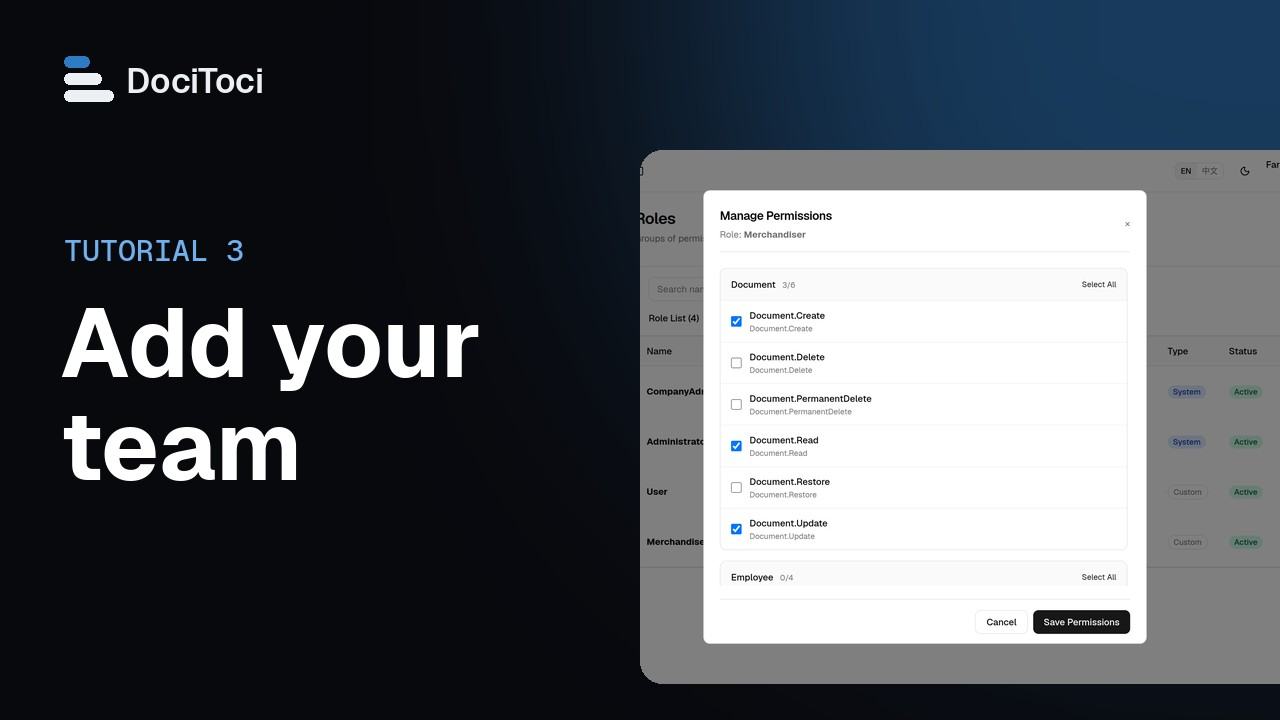 03Add your team: users, roles and the activity logGive each colleague their own sign-in, decide what each role may do, and see who did what in the activity log.Team and above · video 2:02
Documents
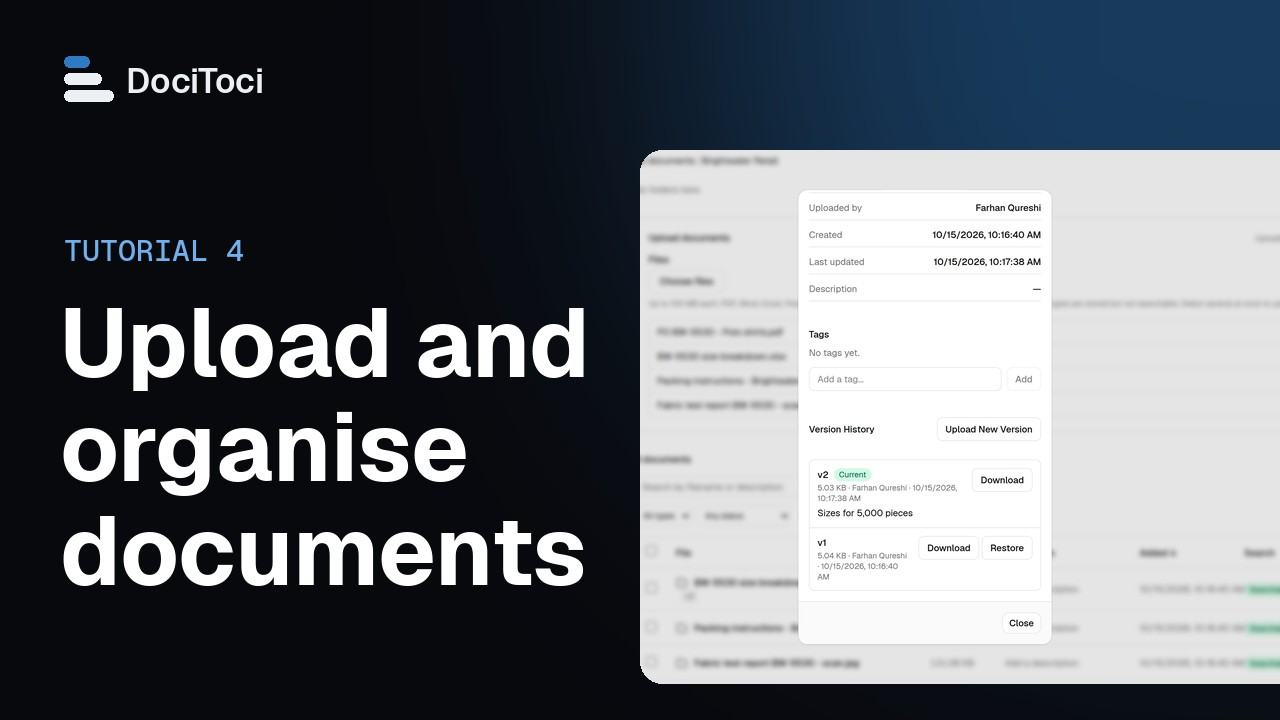 04Upload and organise documentsPut your files into folders, keep them up to date with new versions, and check that each one can be found by Ask AI.Every package · video 1:55
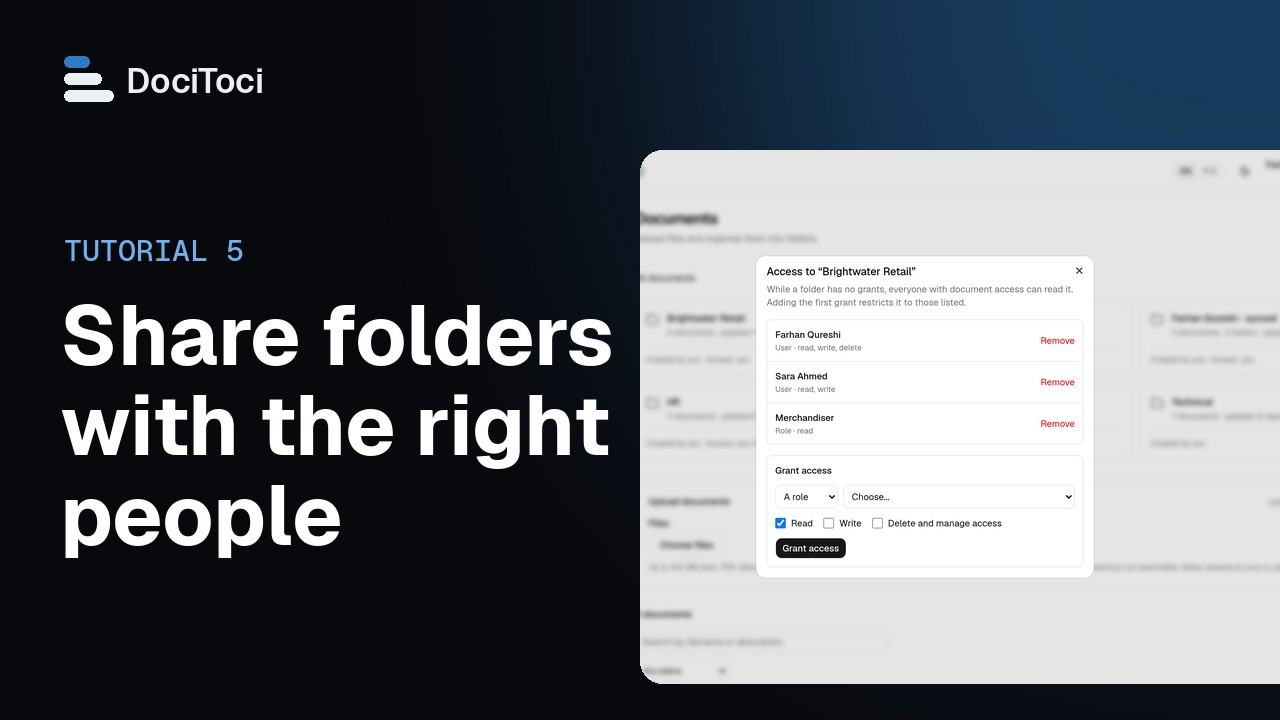 05Share folders with the right peopleDecide who can open, add to and manage each folder. What a person can open is also what Ask AI can use to answer them.Team and above · video 1:38
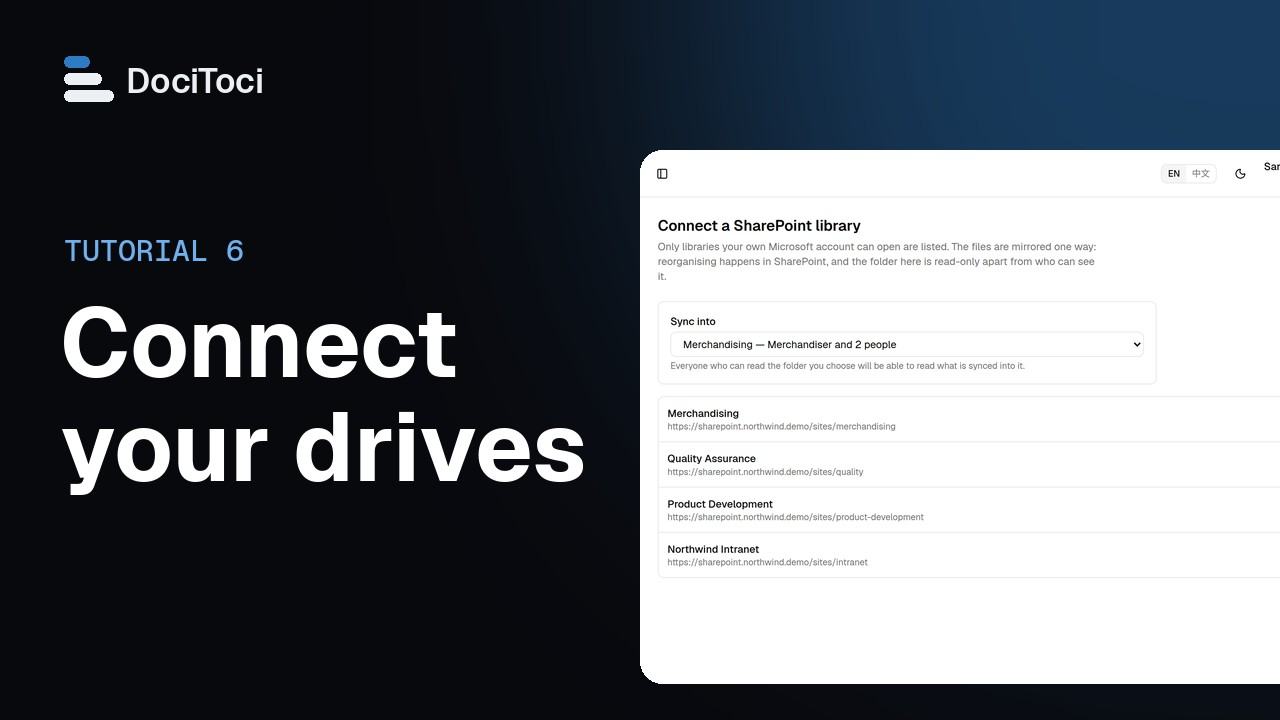 06Connect SharePoint, OneDrive or Google DriveMirror a SharePoint library, a OneDrive folder or a Google Drive into a DociToci folder so Ask AI can answer from those files. Changes at the source arrive here by themselves.Team and above · video 1:54
Ask AI
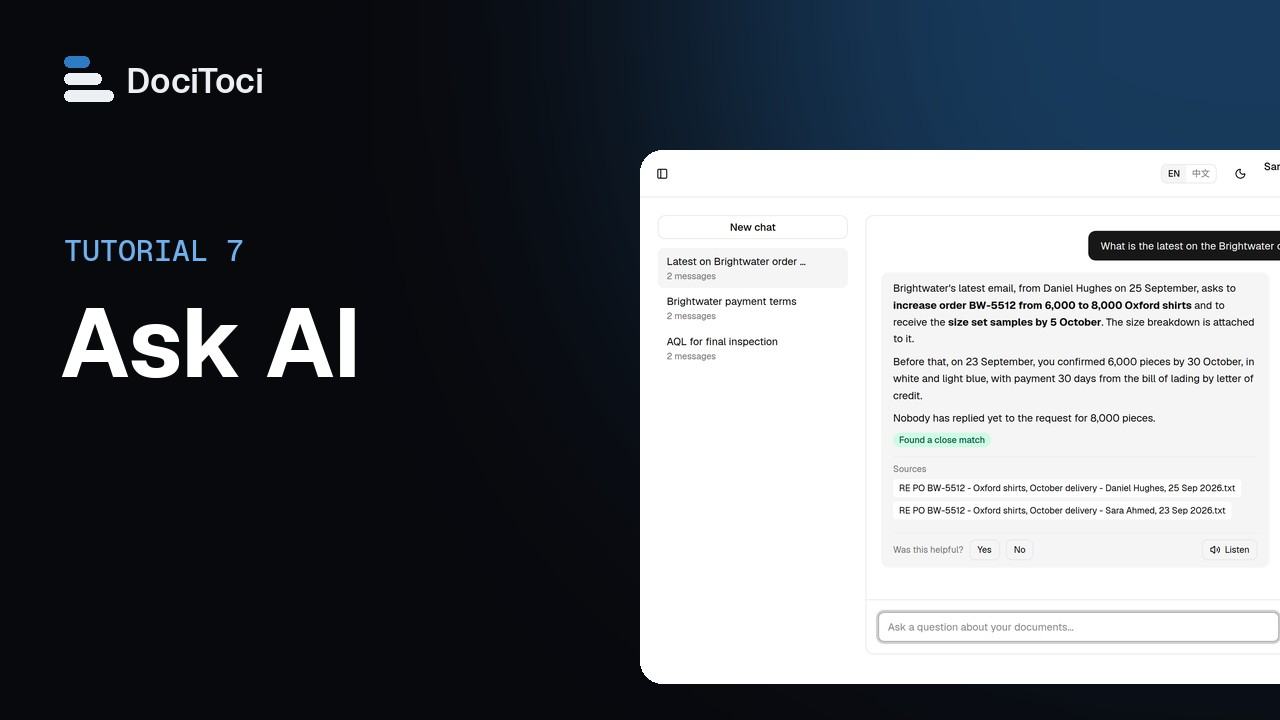
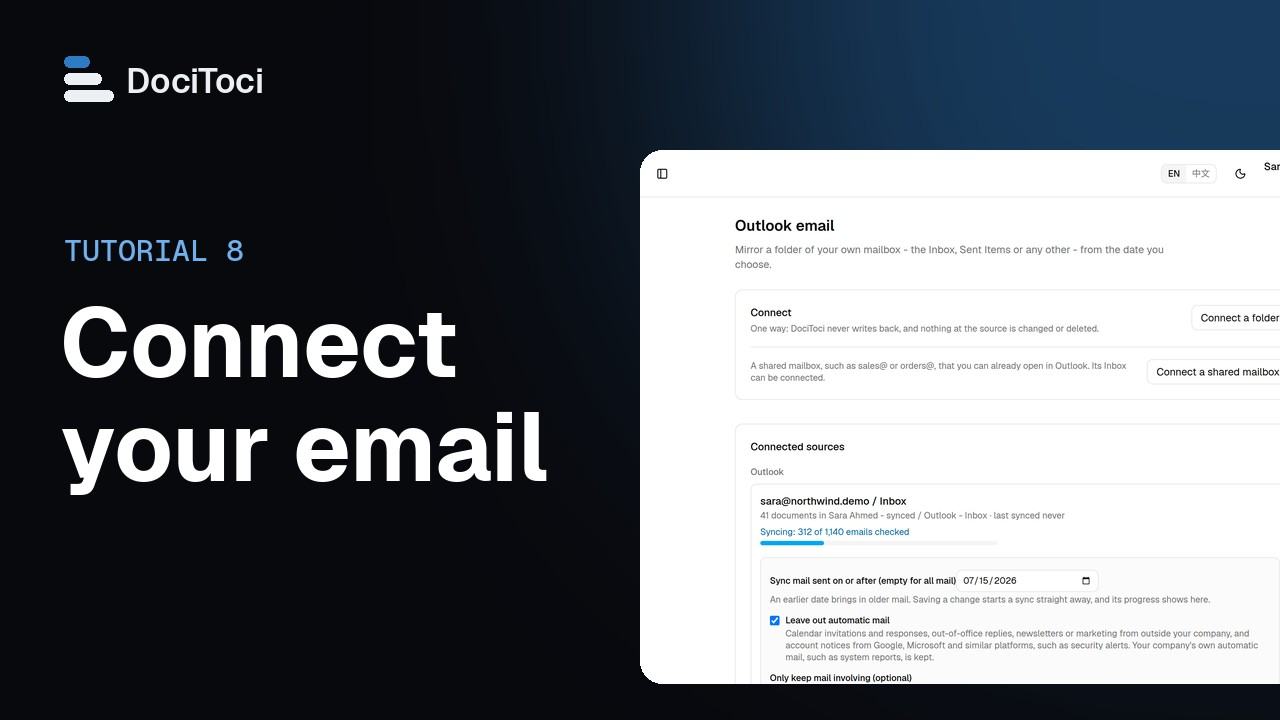 08Connect your email (Outlook, Gmail or other)Connect a folder of your mailbox, such as the Inbox or Sent Items, so its emails and attachments can be searched and asked about. The mail is copied into your own private folder in DociToci; nothing in your mailbox is changed.Every package · video 2:10
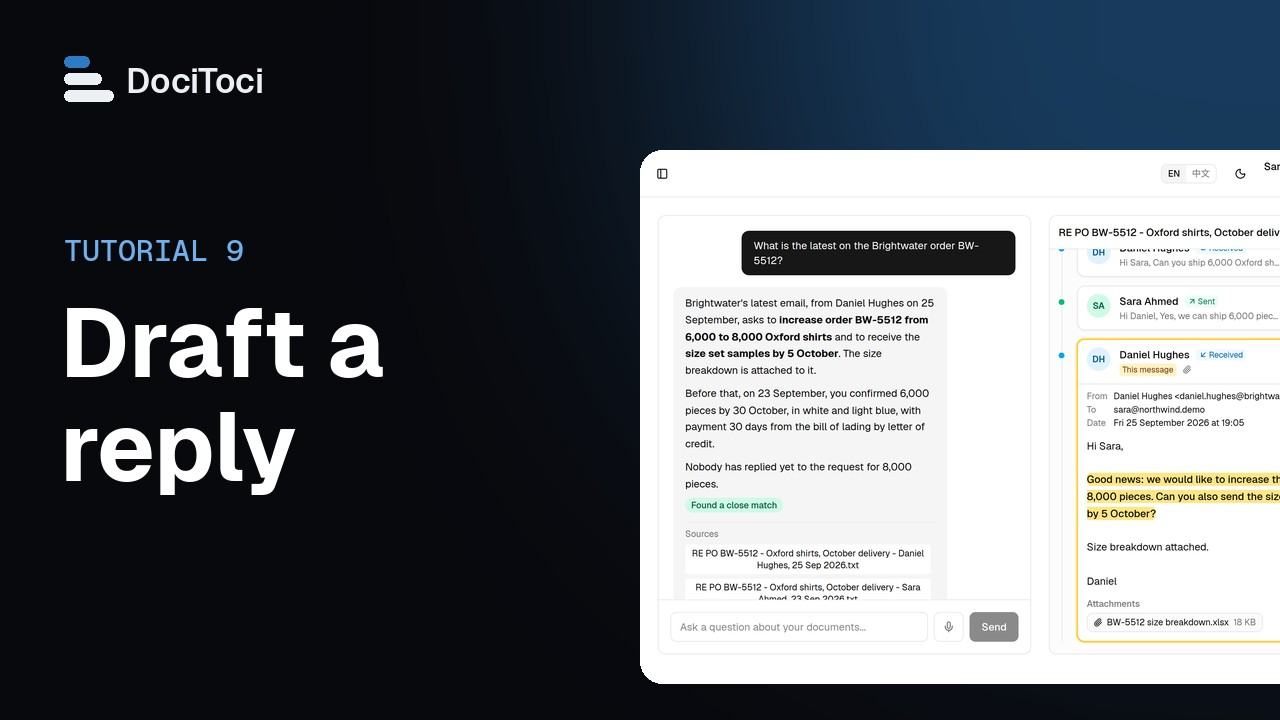 09Draft a reply and save it to your DraftsDociToci writes a reply to an email from your notes, in any language, or from the email thread and your documents. You copy it or save it to your Drafts folder, and nothing is sent unless a person sends it.Every package · video 1:41
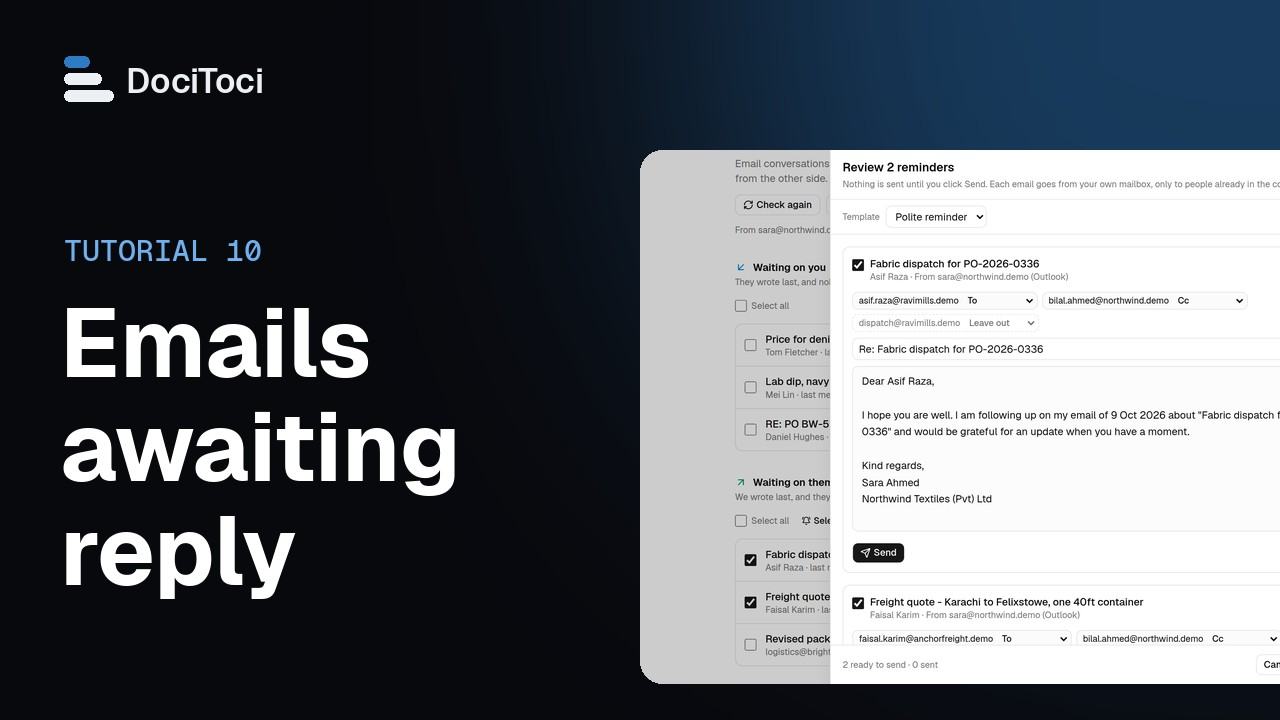 10Emails awaiting reply and remindersEmails awaiting reply lists the conversations in the mailboxes you connected that are waiting on a reply, from you or from the other side. From there you reply, mark conversations done and, on Team and above, send reminders after checking each one.Every package · video 2:07
Follow up
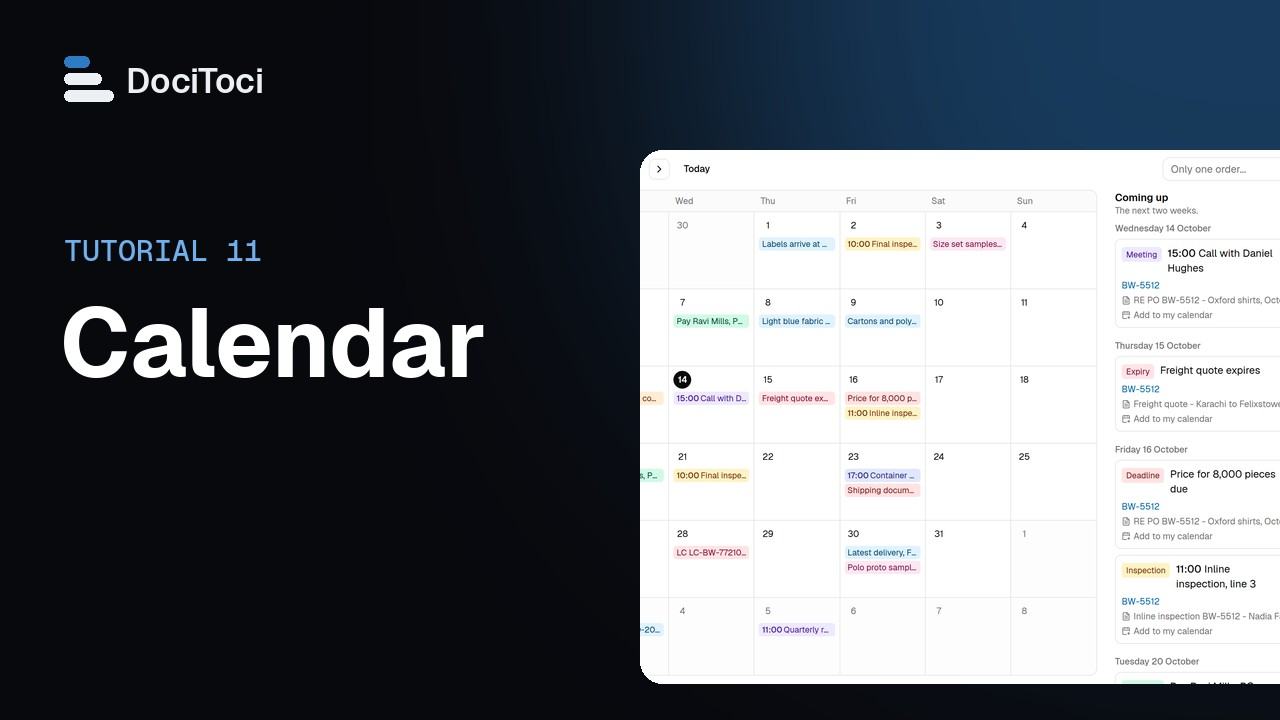 11CalendarThe Calendar collects the dates found in your emails and documents, such as deliveries, inspections, payments and expiries, each linked to where it came from. It shows only what you are allowed to open.Every package · video 1:30
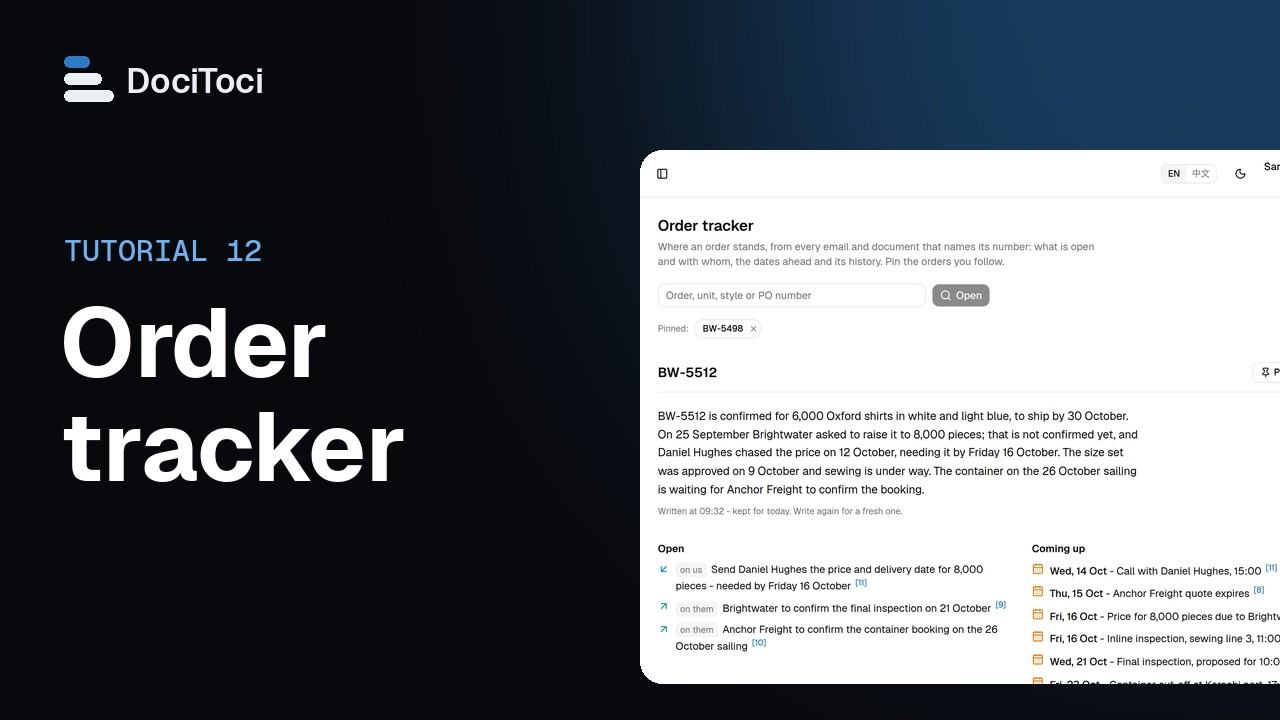 12Order trackerType an order, style or PO number and DociToci writes a brief of where it stands from every email and document that names it: what is open and with whom, the dates ahead and its history, each point linked to its source.Team and above · video 1:25
Business and Corporate
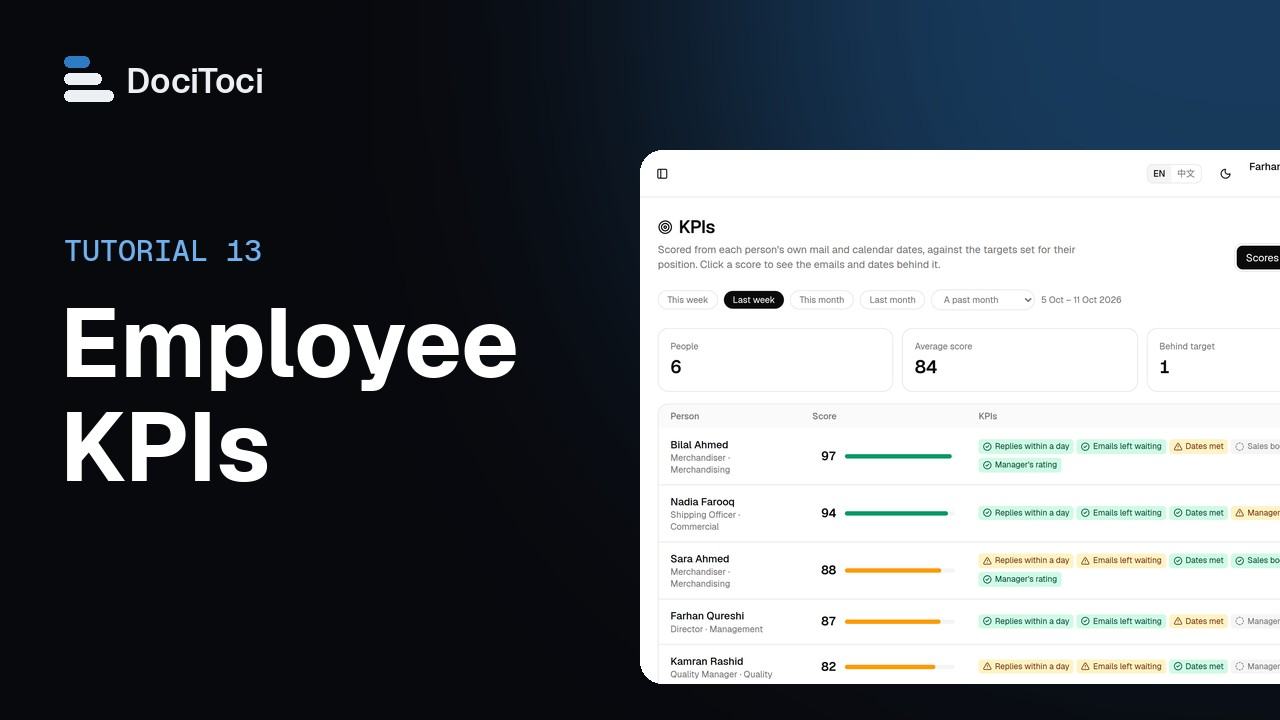 13Employee KPIsDociToci scores each person's KPIs from their own mail and calendar dates, and from figures and ratings their managers enter, against the targets set for their position. Every score opens the emails, dates or entries behind it.Business and above · video 2:20
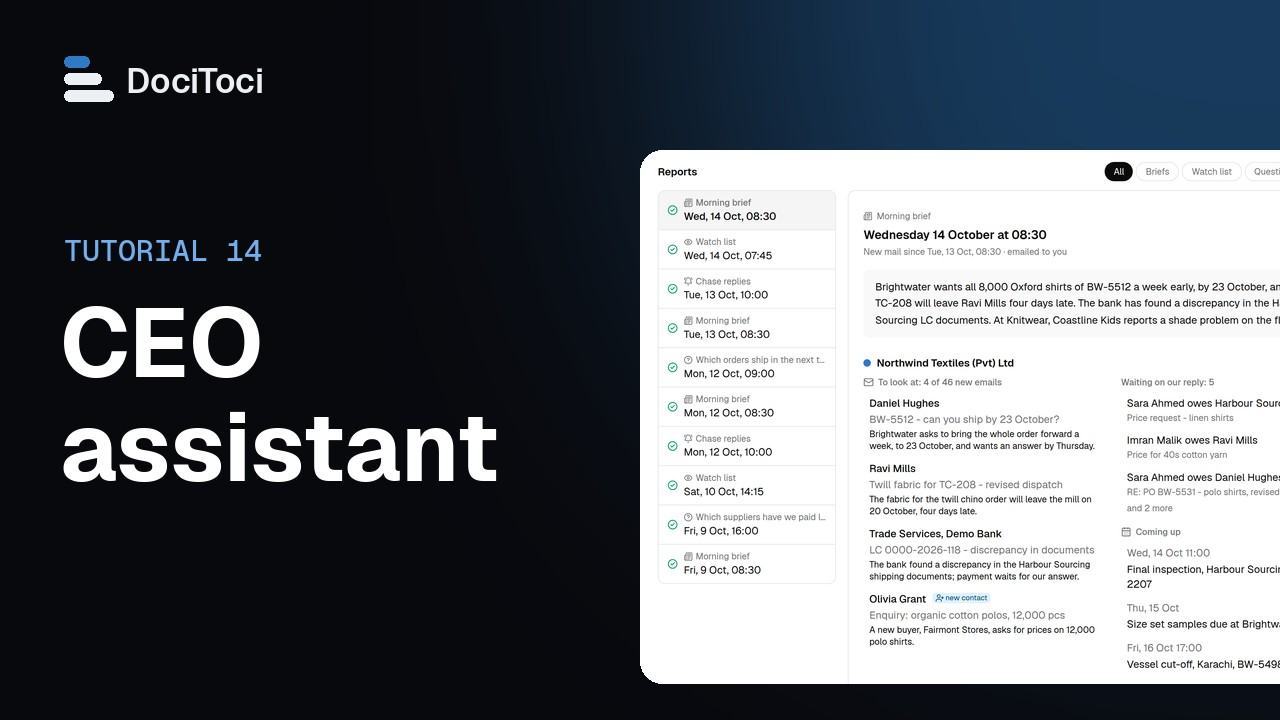 14CEO assistantThe CEO assistant reads the group's companies as you do and reports to you: a morning brief, a watch list and questions asked on a schedule. Chase replies is the only task that acts, by emailing your companies' people, and only after a trial and once you put it live.Business and above · video 2:12
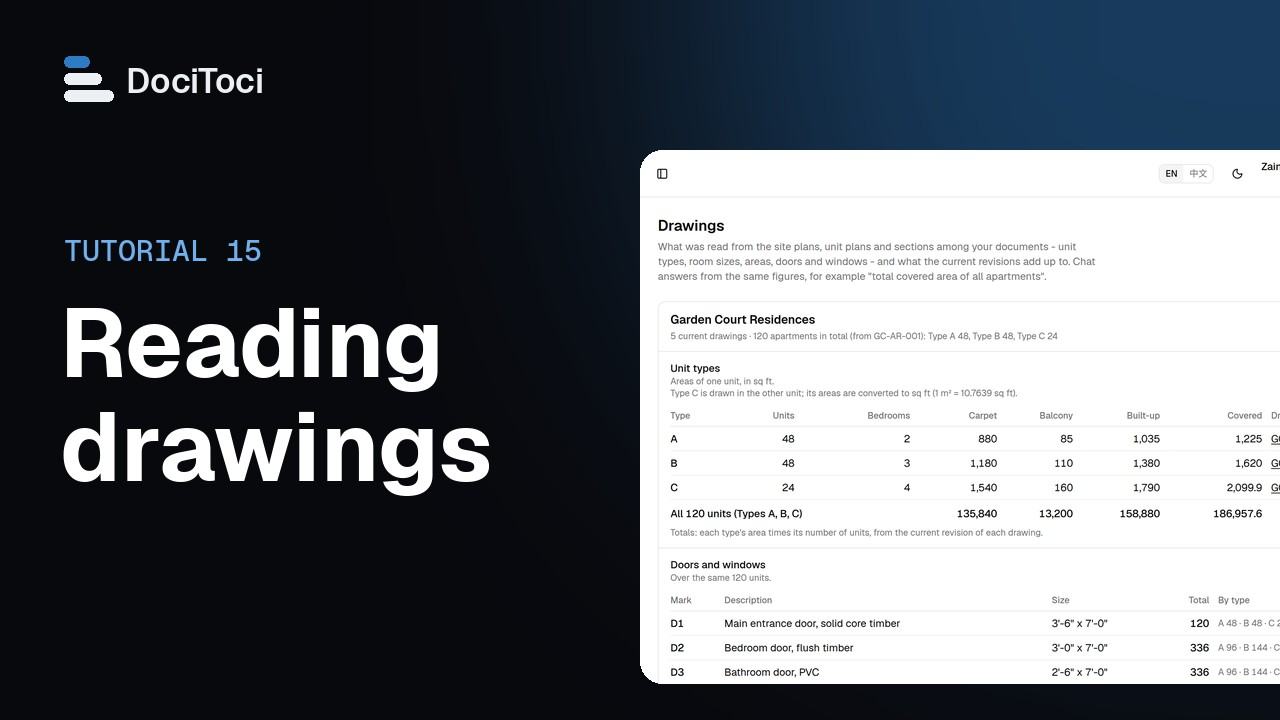 15Reading drawingsDociToci reads site plans, unit plans and sections uploaded as DXF files or PDFs: unit types, rooms, areas, doors and windows, and levels. The **Drawings** page shows each project's figures and adds up the current revision of each drawing.Business and above · video 2:06
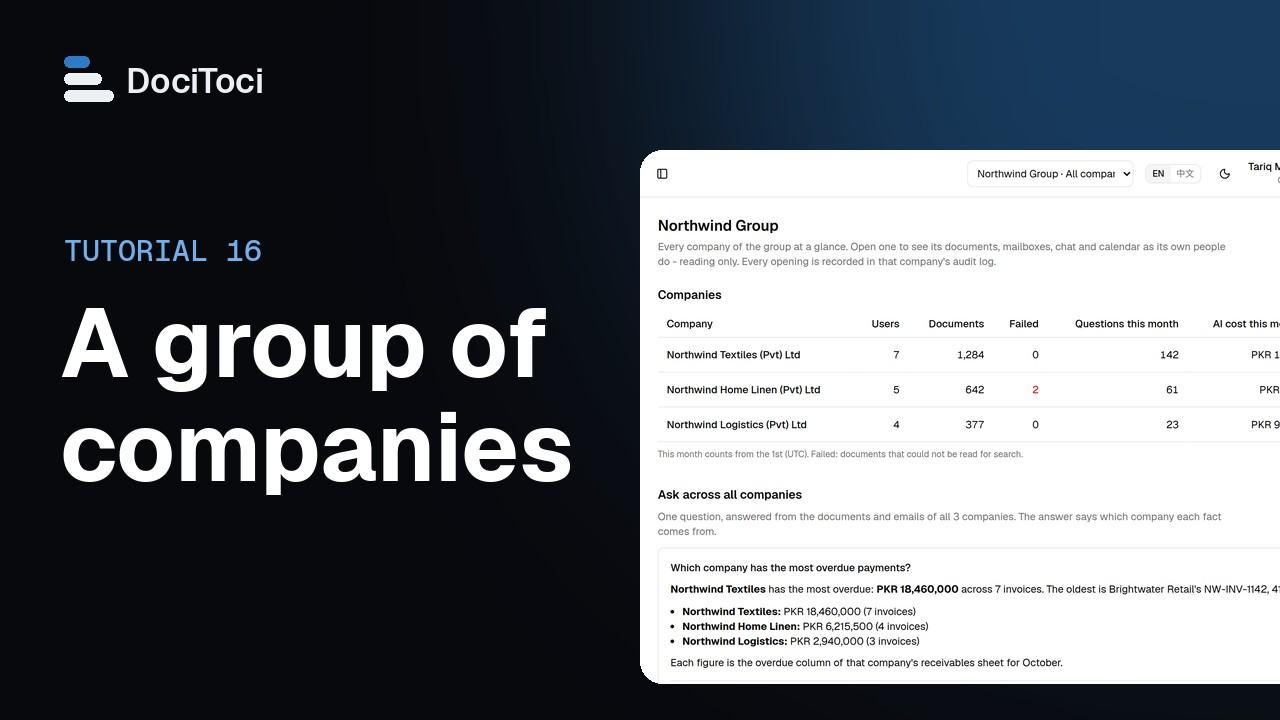 16A group of companiesWhen your companies are set up as a group, the group's CEO and administrator see every company on one page, ask one question across all of them, and open any company to look inside. Every look is written to that company's own activity log.Corporate and above · video 2:04